
Pipfloats and ponders
 Get DockAlly
Dock profiles · Workspaces · Focus timer · macOS 26
DockAlly rebuilds your real Dock for whatever you are doing: apps grouped, recent files stacked, windows put back, a focus timer running. And a few small animals live down there too.
Already bought it? Download again or find your key.






Dock profiles
Coding, Designing, Studying, Personal. Each profile is a real Dock layout: apps in groups, folders, and a stack of the files you actually opened. Switch it yourself, or let DockAlly notice which apps you have been living in.
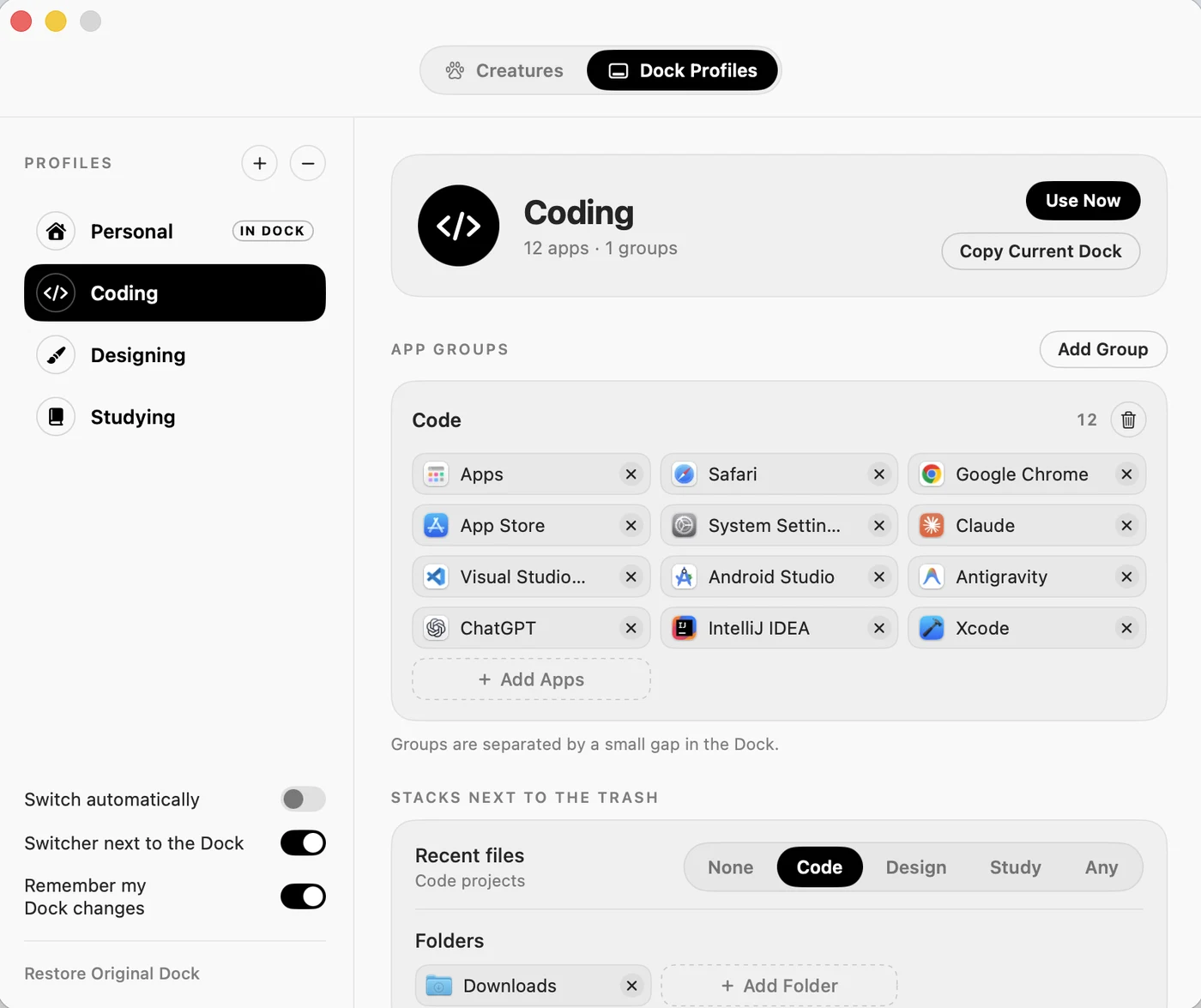
Xcode, Terminal, Simulator and browsers, grouped. Recent projects in a stack by the Trash.
Figma, Photos, Preview. Recent images in a grid stack, ready to drag out.
Notes, Books, Calendar. PDFs and documents you actually opened.
Exactly the Dock you had before DockAlly. Backed up, and one click away.
Smart workspaces
A profile can carry your whole setup. Nothing opens by itself: when the Dock changes, a button appears beside it and waits for you to say go.
And the residents
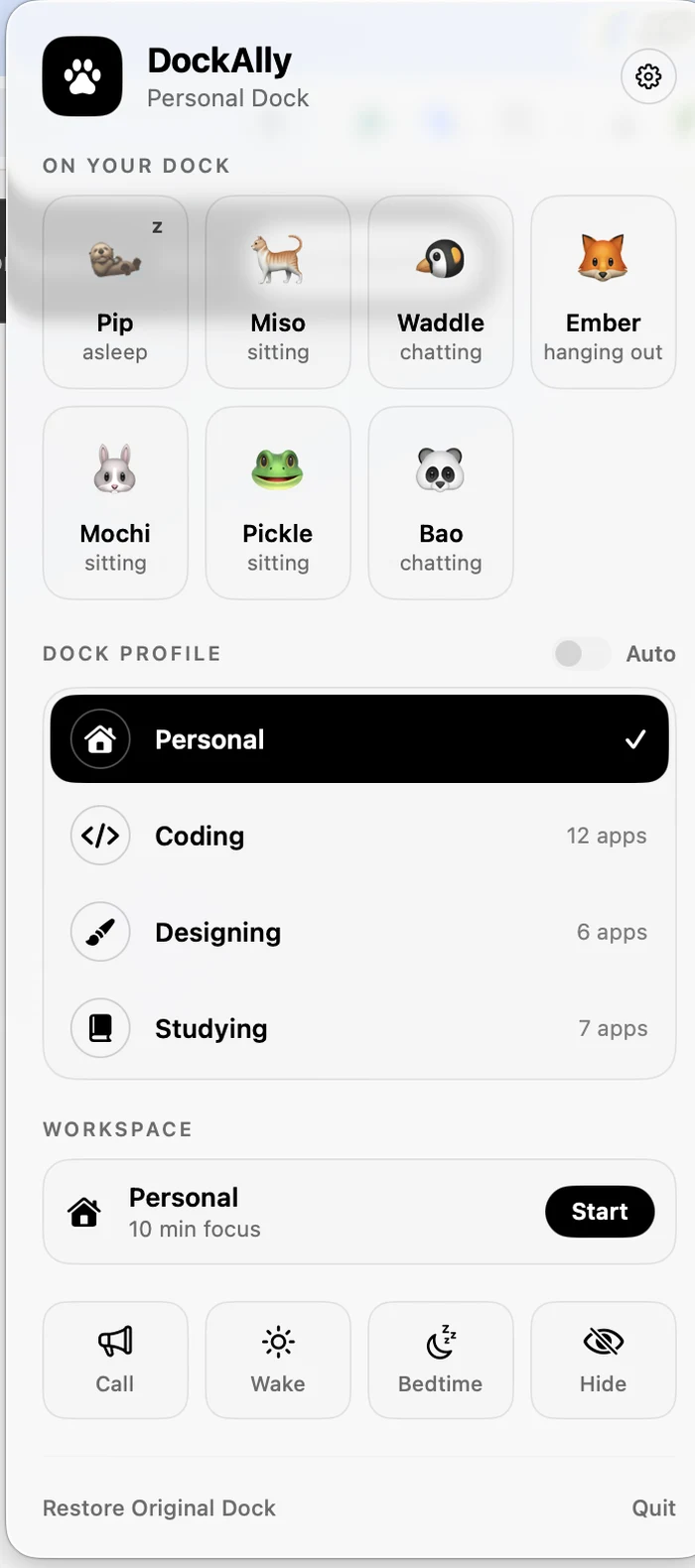
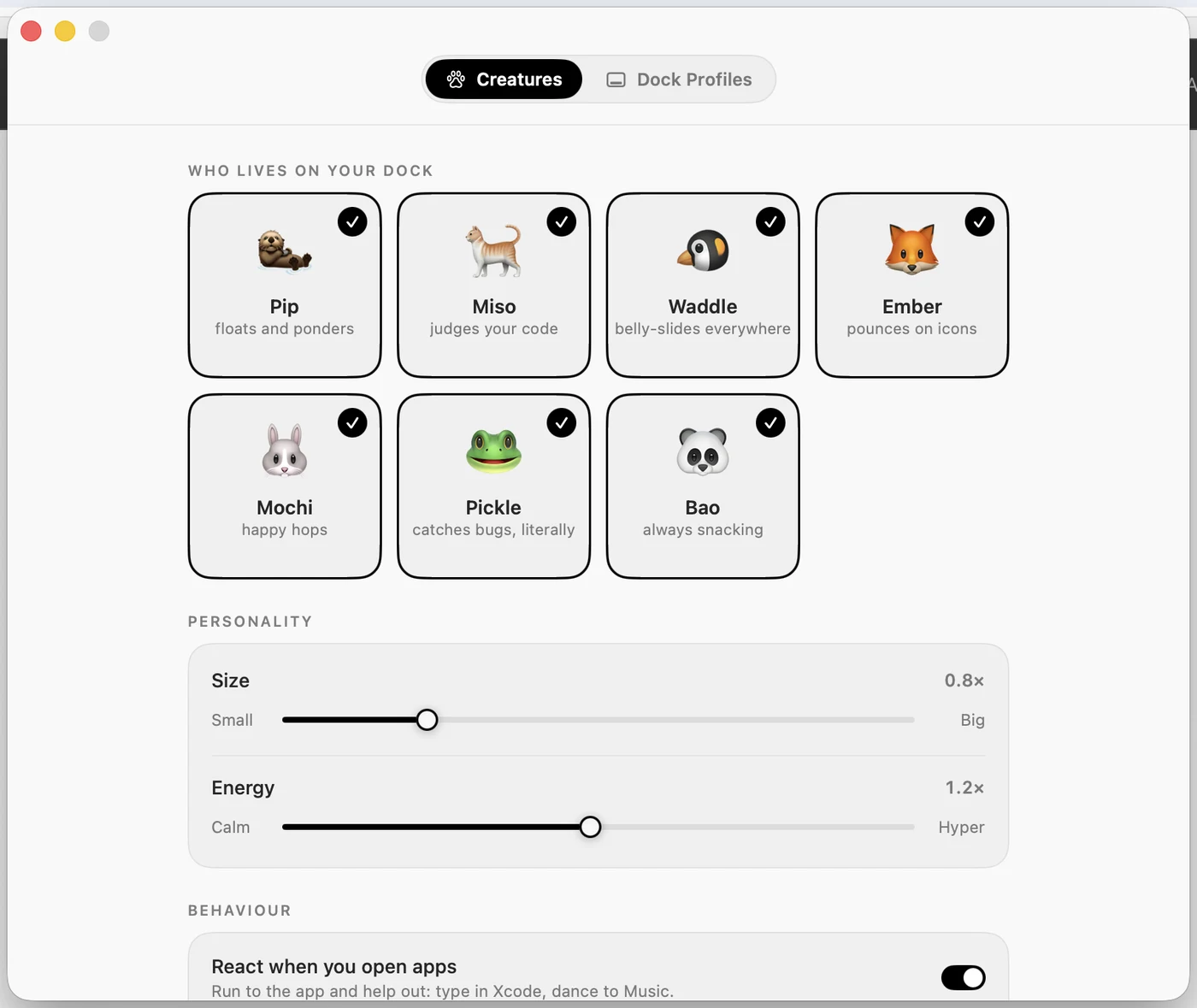
Turn them on if you want them. Every frame is drawn by the app itself, they react to the app you just opened, and they sleep when you step away. Turn them off and the profiles, workspaces and focus timer carry on exactly the same.
floats and ponders
judges your code
belly-slides everywhere
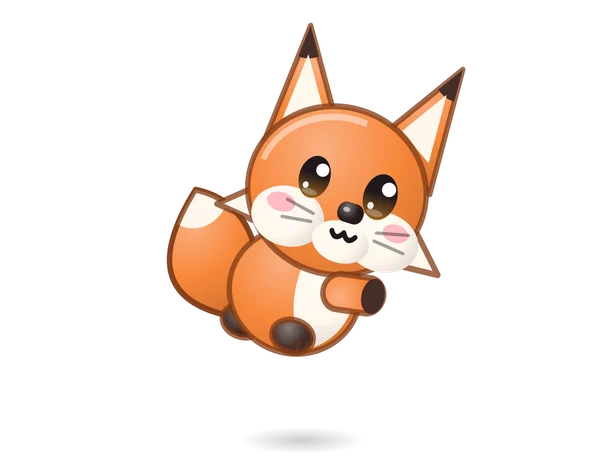
pounces on icons
happy hops
catches bugs, literally
always snacking

They notice
The nearest creature runs to the icon, pulls on tiny headphones and types along with you on a little laptop.
Music starts and the cat dances on the Dock, with notes drifting off the top of the glass.
Design work brings out a paintbrush, and flicks of colour land around the Dock.
After a few quiet minutes they yawn, curl up on the Finder icon and sleep until you come back.
Two of them wander together and talk about your tab count, your build, or how late it is.
The app itself
Every control is ink on paper, or paper on ink. Selection is shown by flipping the two, never by a splash of colour, so nothing competes with your work, or with the animals at the bottom of the screen.
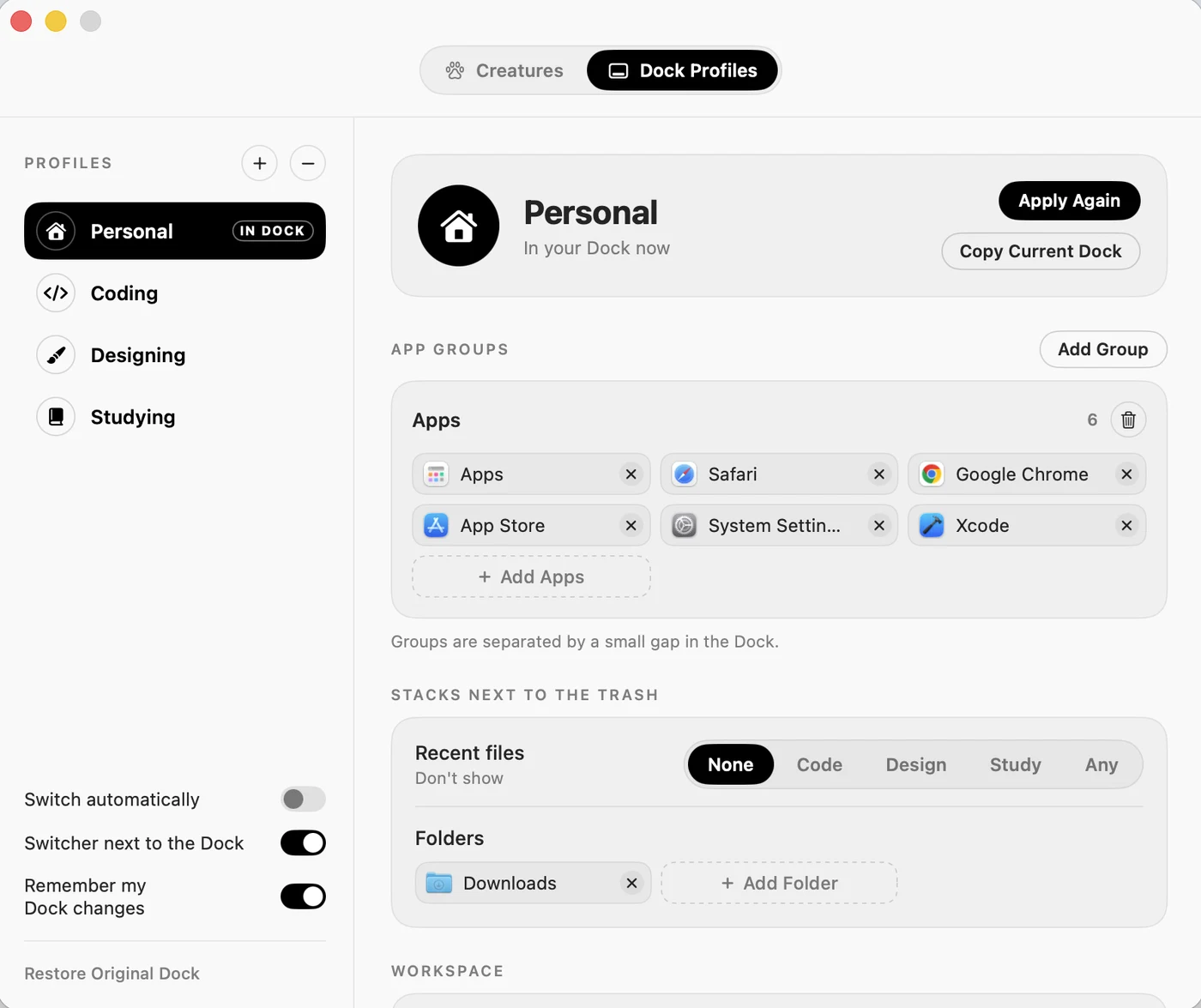
No account, no server, no analytics. DockAlly reads where your Dock icons are, and nothing else.
Drawing happens off the main thread, repeated poses are reused, and nothing is drawn while the Dock is covered.
Your original Dock is saved before the first change. One click puts it back, sort orders and all.
Questions
To read where your Dock icons are, so a creature can run to the app you just opened, and to put windows back where you saved them. It reads positions. It never types, clicks, or reads your screen.
Your Dock is backed up before the first change, and "Restore Original Dock" puts it back exactly. Each folder keeps its own sort order and view. DockAlly never changes those.
macOS restarts the Dock to change it. DockAlly covers that moment: glass tiles wrap each icon, gather into one bar while the Dock reloads behind it, then split over the new icons and fade away.
With all seven creatures it sits around 15 to 25 per cent of one core while they move, and drops when they sleep or the Dock is covered. The main thread stays free, so nothing else feels slower.
Yes. Hide them from the paw menu and the profiles, workspaces and focus timer carry on without them.
Yes. DockAlly follows the Dock itself: bottom, left or right, on whichever display it is on. It gets out of the way in full screen.
macOS 26 or later, Apple silicon · $3.99 once, no subscription. The app asks for your licence key the first time you open it.
 Pipfloats and ponders
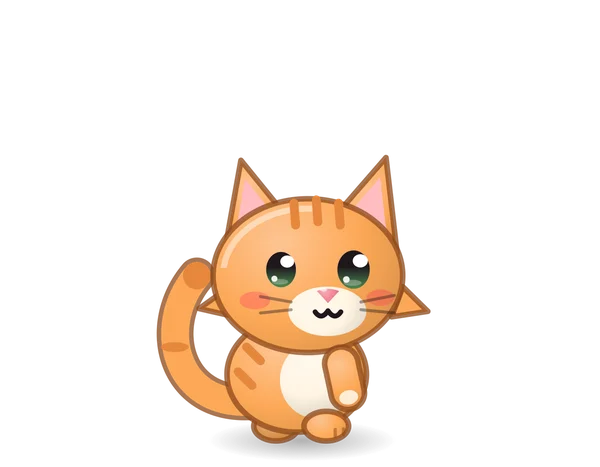 Misojudges your code
 Waddlebelly-slides everywhere
 Emberpounces on icons
 Mochihappy hops
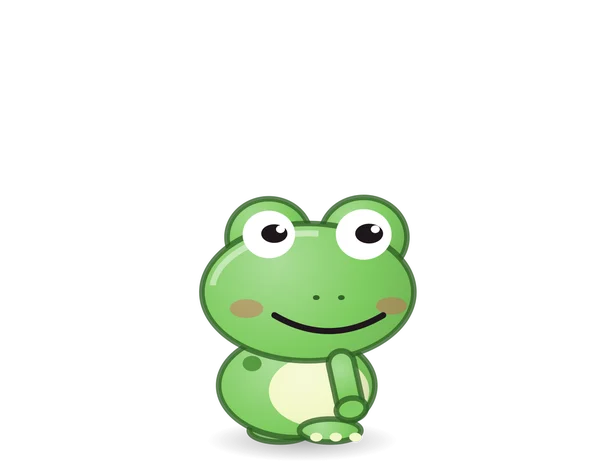 Picklecatches bugs, literally
 Baoalways snacking